Profile and Settings
Learner
/
Profile
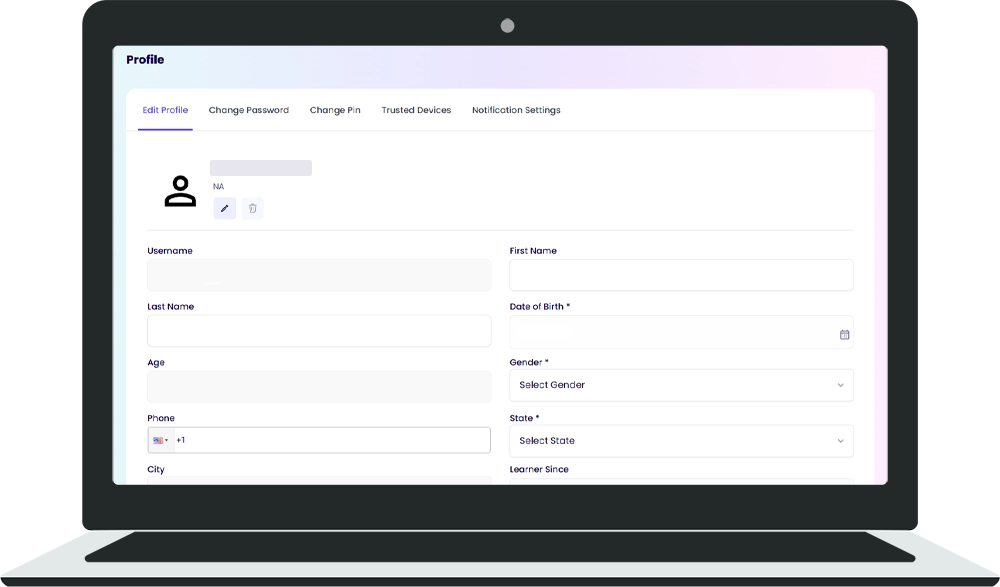
Your profile stores your personal information and account preferences.
Your profile stores your personal information and account preferences.
Accessing Your Profile
To access your profile:
🔹 Click the avatar icon in the top-right corner of the navigation bar
🔹 Select "Profile" or "Settings"
What's in Your Profile
Your profile contains personal information and account settings that you can update.
Resume
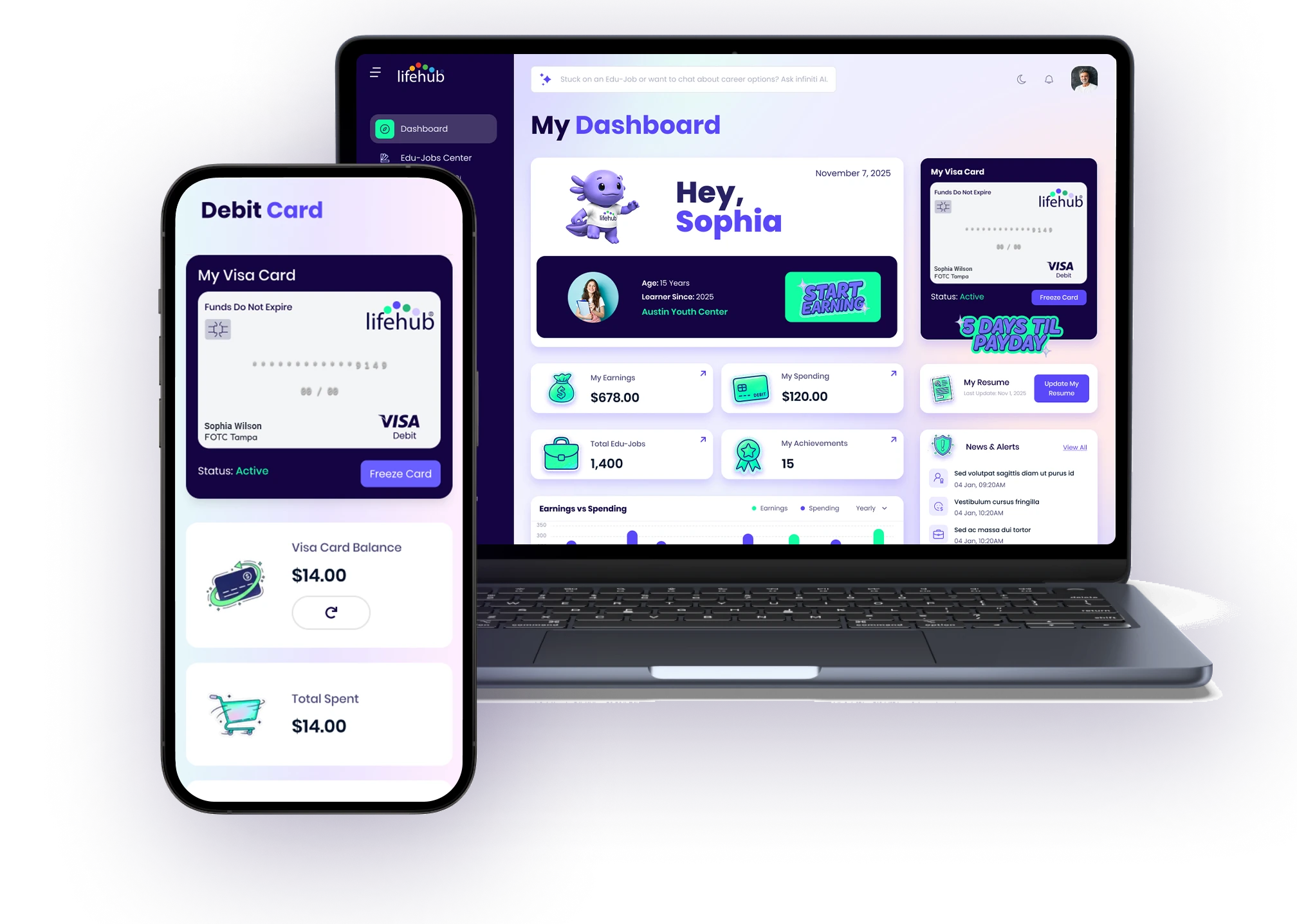
You can update your resume from your Dashboard by clicking the "Update My Resume" button in the stats section. Your resume displays your skills and achievements from the Edu-Jobs you've completed.
Tips
💡 Keep your profile information current
💡 Update your resume regularly to reflect new skills you're learning
💡 Check your profile settings to manage your account preferences

%201.avif)

Ready to Chat about Life Hub?
Whether you're a parent, teacher, or partner—there’s a path for you.

.svg)

.svg)


.svg)
.svg)

.svg)