Getting Started with Life Hub Org Admin
Org Admin
/
Getting Started with Life Hub
Welcome to Life Hub Org Admin. This guide will help you understand your role and navigate the platform to manage your organization's learning and earning programs.
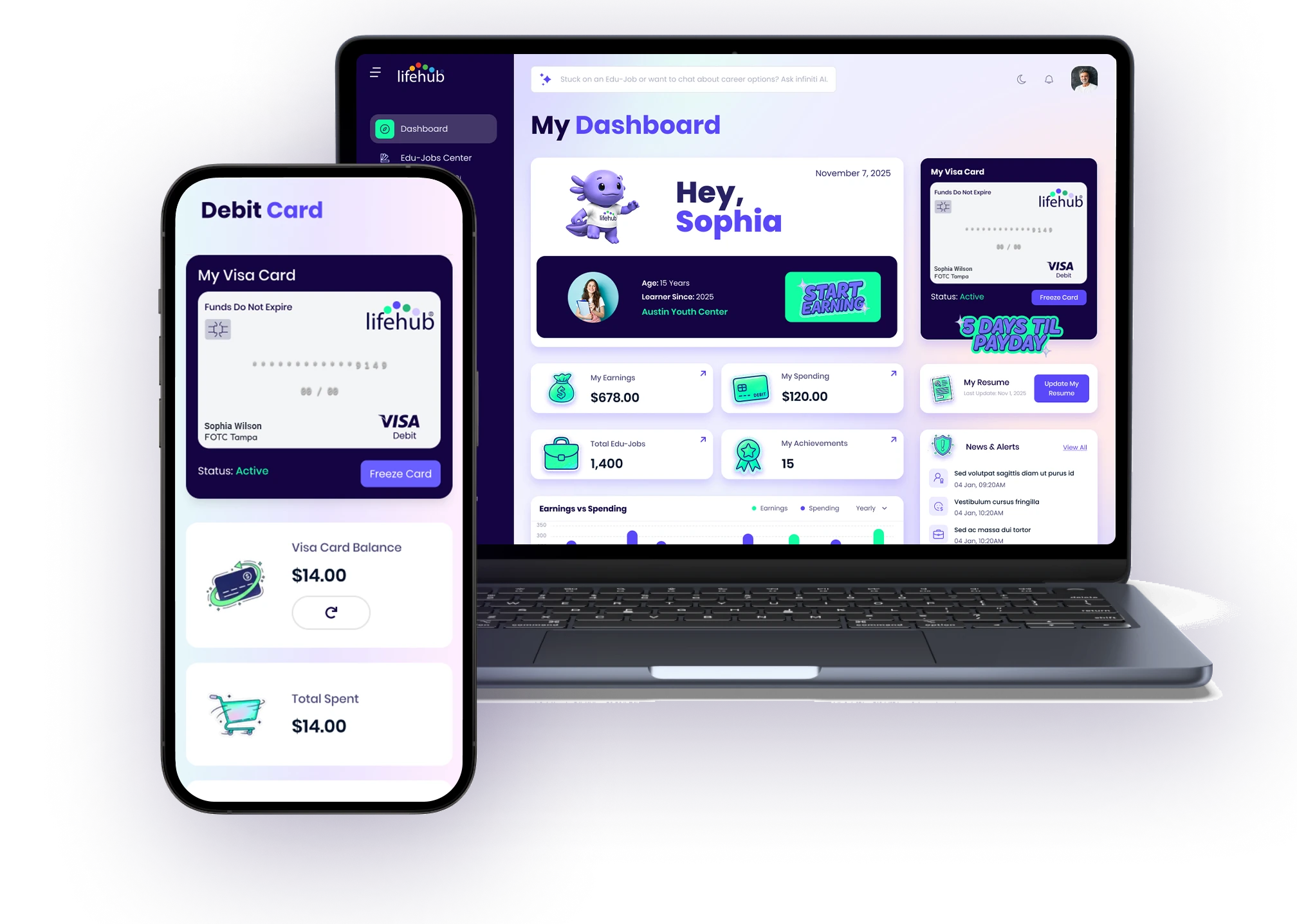
Welcome to Life Hub Org Admin. This guide will help you understand your role and navigate the platform to manage your organization's learning and earning programs. What is an Org Admin Account? As an Organization Administrator, you have comprehensive control over your organization's Life Hub presence. Your responsibilities include: Manage Learners: Add, remove, and oversee all learners in your organization Create Content: Build Edu-Jobs and Courses using our creation tools and AI-powered generators Review Work: Approve or request revisions on learner submissions and Edu-Job content Track Performance: Monitor learner engagement, earnings, and completion rates through detailed analytics Org Admin accounts have significantly more capabilities than Learner accounts. You can create Edu-Jobs of multiple types, generate content using Infiniti AI, and access comprehensive analytics and reporting tools. Logging In Open your browser and navigate to staging.lifehubinfiniti.ai (or your organization's production URL) Enter your username in the username field Enter your password in the password field Click Sign In Your credentials are unique to your organization. If you need to reset your password, click the "Forgot Password?" link on the login page. Navigating the Interface Sidebar Navigation The dark navy sidebar on the left contains the main navigation menu: Dashboard: Your overview hub with key stats and organizational information Infiniti AI: AI-powered content generation and impact analysis tools Create an Edu-Job: Start building new Edu-Jobs with our step-by-step wizard My Edu Jobs: Access your published, submitted, and archived Edu-Jobs Edu-Jobs Board: View all Edu-Jobs in a table format with filtering options Edu-Jobs Center: Browse the Edu-Jobs center (same view learners see) Create a Course: Build courses by organizing Edu-Jobs together My Courses: Manage courses you've created Browse Courses: Search and view all available courses Top Navigation At the top of every page: Life Hub Logo: Click to return to the Dashboard Search Bar: "Ask Fini Learning Coach Anything" allows you to search content and get help Help Icon (?): Access documentation and support resources Notifications Bell: View alerts and updates about submissions, learner activity, and system messages Profile Avatar: Click to access account settings and logout Key Differences from Learner Accounts Getting Started Tips Start by reviewing your Dashboard to understand your organization's current metrics Explore Infiniti AI to see how AI can help you create content faster Visit My Edu Jobs to review any pending submissions from learners Check Key Managers in your organization details to confirm the right team members have access You're ready to start creating, managing, and tracking learning outcomes for your organization. Use the navigation menu to explore each section.

%201.jpg)

Ready to Chat about Life Hub?
Whether you're a parent, teacher, or partner—there’s a path for you.

.svg)

.svg)


.svg)
.svg)

.svg)