Top 8 Best Homeschool Apps for Engaged Learning in 2026



Homeschooling has surged in popularity, and families now rely on digital tools more than ever. Finding the best homeschool apps can make all the difference in keeping learners engaged and motivated.
This article explores eight standout options that support every age, from core academics to creative enrichment and real-world skills. Whether you are new to homeschooling or want to refresh your toolkit, these apps bring learning to life.
Discover how technology can support personalized, interactive education, and see which apps may fit your family's needs best.
Why Homeschool Apps Matter in 2026
Homeschooling has entered a new era. The best homeschool apps are now at the heart of this transformation. More families are choosing digital tools to create flexible, personalized learning environments. The numbers tell the story. In the past few years, the percentage of homeschool families using educational apps has surged. According to recent research, homeschooling now represents a growing share of the education landscape, with Homeschooling growth surges to 5.4% in 2024-2025.
The Evolution of Homeschooling Technology
Over the last decade, homeschooling has shifted from paper worksheets to dynamic, app-driven experiences. The best homeschool apps now use AI to personalize lessons, making learning fit each learner’s needs. Gamification keeps lessons fun, while adaptive learning helps every learner progress at their own speed.
Accessibility has improved, too. Many apps offer support for learners with special needs. Features like text-to-speech, language options, and visual aids help reach a wider audience. Parental involvement is easier than ever. Modern apps let parents track progress, set goals, and customize lessons.
Flexibility and personalization are key. Homeschool families can build routines that work for them, mixing core academics with enrichment and life skills. One family, for example, used a set of integrated apps to boost both math scores and self-confidence in their child. This shows the impact of choosing the best homeschool apps for your unique situation.
Key Criteria for Selecting the Best Homeschool Apps
Choosing the best homeschool apps means looking beyond flashy features. Start by checking if the app aligns with trusted curriculum standards. A smooth, user-friendly interface makes learning less stressful. Security and privacy must come first, especially for young learners.
Cost matters. Look for apps that offer good value or flexible pricing. The best homeschool apps support a range of subjects, from math to art, and allow for cross-disciplinary projects. Offline access is a plus for families with limited internet.
Here is a quick list of what to look for:
- Curriculum alignment and educational best practices
- Simple, engaging interface
- Strong privacy protections
- Affordable price or good free options
- Multi-subject and real-world skills support
- Offline features for learning on the go
Apps that meet these criteria help build confident, independent learners. They also give parents the tools to guide, monitor, and celebrate progress. When you focus on these points, you increase the chances of finding the best homeschool apps for your family.
Top 8 Best Homeschool Apps for Engaged Learning in 2026
Homeschooling in 2026 offers more options than ever, and the best homeschool apps make learning flexible, engaging, and effective for every learner. This section reviews eight standout apps, each bringing something unique to the table. Whether you seek core academics, enrichment, or real-world skills, these best homeschool apps can support your family’s learning journey. For more educational solutions, explore Kids and families learning tools.
Life Hub®
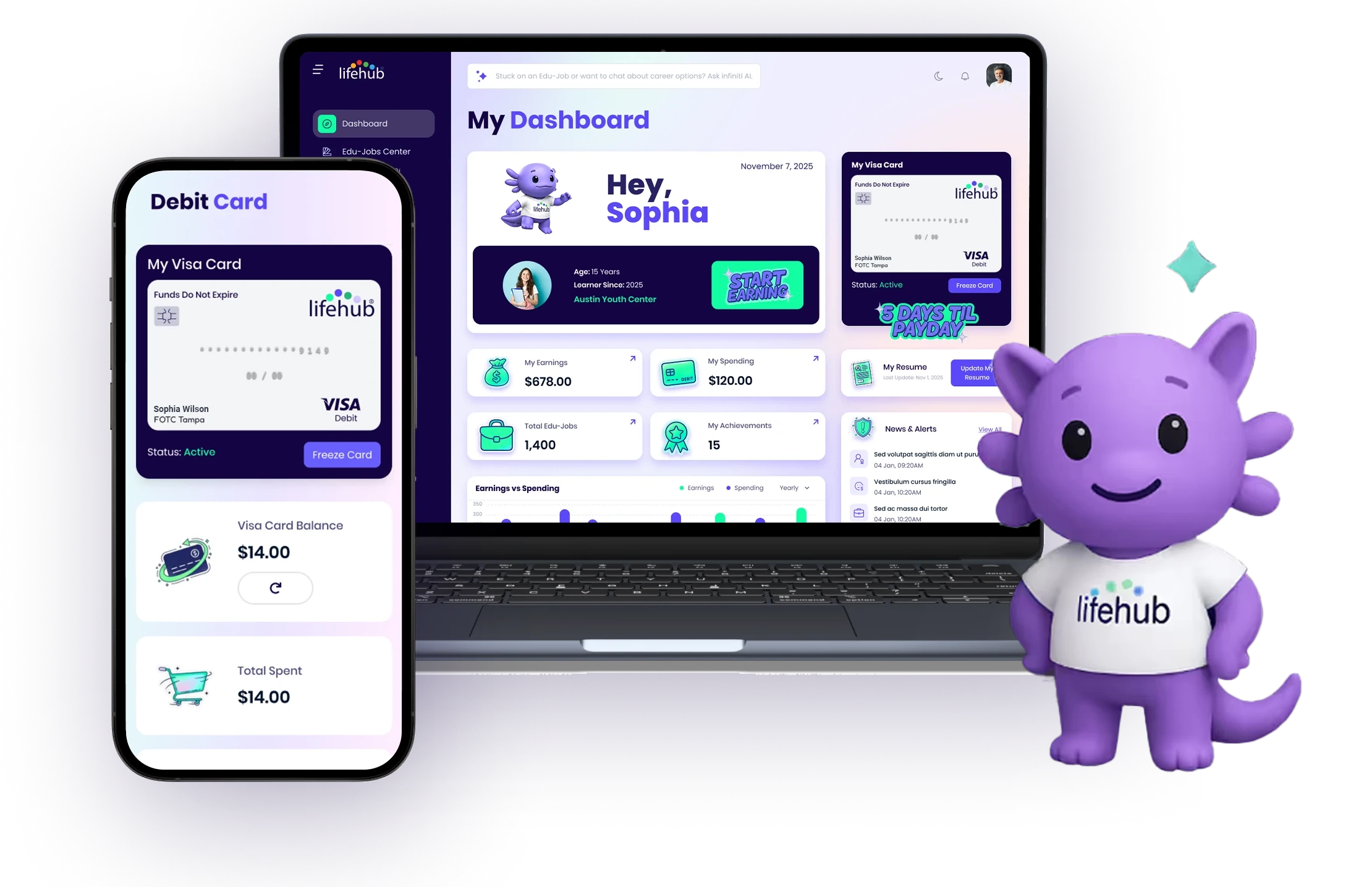
Life Hub® stands out among the best homeschool apps for its unique learn-to-earn approach. Learners complete micro-learning Edu-Jobs and earn real cash rewards, which are loaded onto a Life Hub Visa® card. With over 2,000 activities, it covers core academics, life skills, and career readiness.
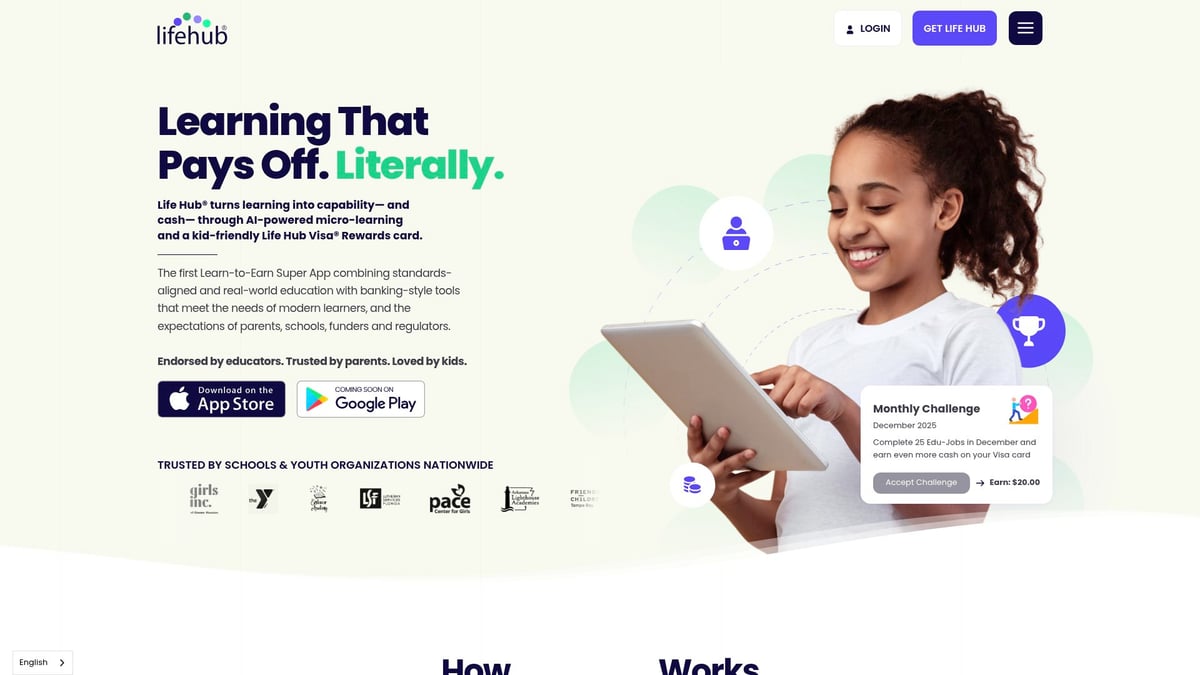
AI-powered personalization ensures each learner gets relevant tasks, making the learning experience both effective and motivating. Parents can monitor progress and adjust goals, keeping the process transparent and secure.
- Pricing: $1–$5 per Edu-Job, $15–$125 per course, funded by parents or schools.
- Pros: Motivates with real cash rewards, covers a wide range of skills, strong parental controls.
- Cons: Requires funding, may not suit families who prefer non-monetary rewards.
- Unique: Direct link between learning and financial literacy.
This app is ideal for families seeking practical skills and future readiness within the best homeschool apps landscape.
Khan Academy Kids
Khan Academy Kids earns its place among the best homeschool apps by delivering free, high-quality content for young learners. The app’s adaptive learning paths cover math, reading, logic, and social-emotional skills, all in a playful, ad-free environment.
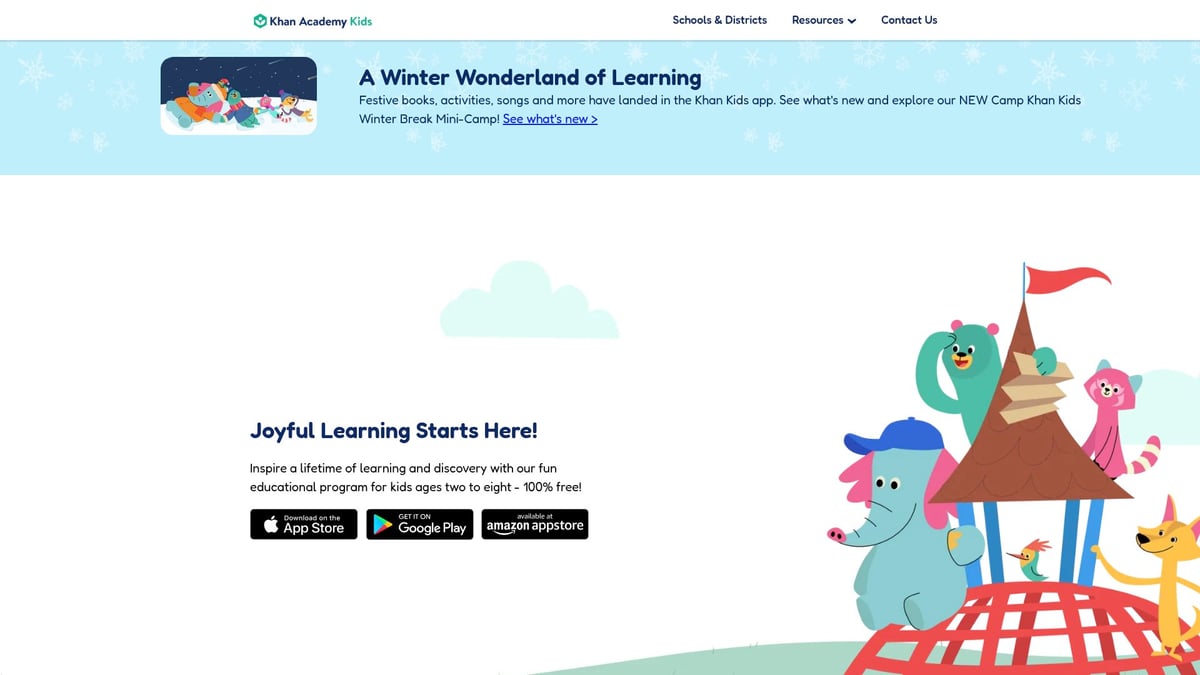
Parents benefit from dashboards that track progress and suggest activities. The app’s gamified approach keeps younger children engaged and supports early academic growth.
- Pricing: Free.
- Pros: Trusted nonprofit, engaging for ages 2–8, offline access.
- Cons: Content is limited to early grades, less for older learners.
- Unique: Safe, comprehensive, and free foundational learning.
If you’re starting out or homeschooling early learners, this is one of the best homeschool apps to try.
Outschool
Outschool is a favorite among best homeschool apps for families who value live, interactive learning. It connects K–12 learners with certified teachers in small-group online classes covering everything from STEM to the arts.
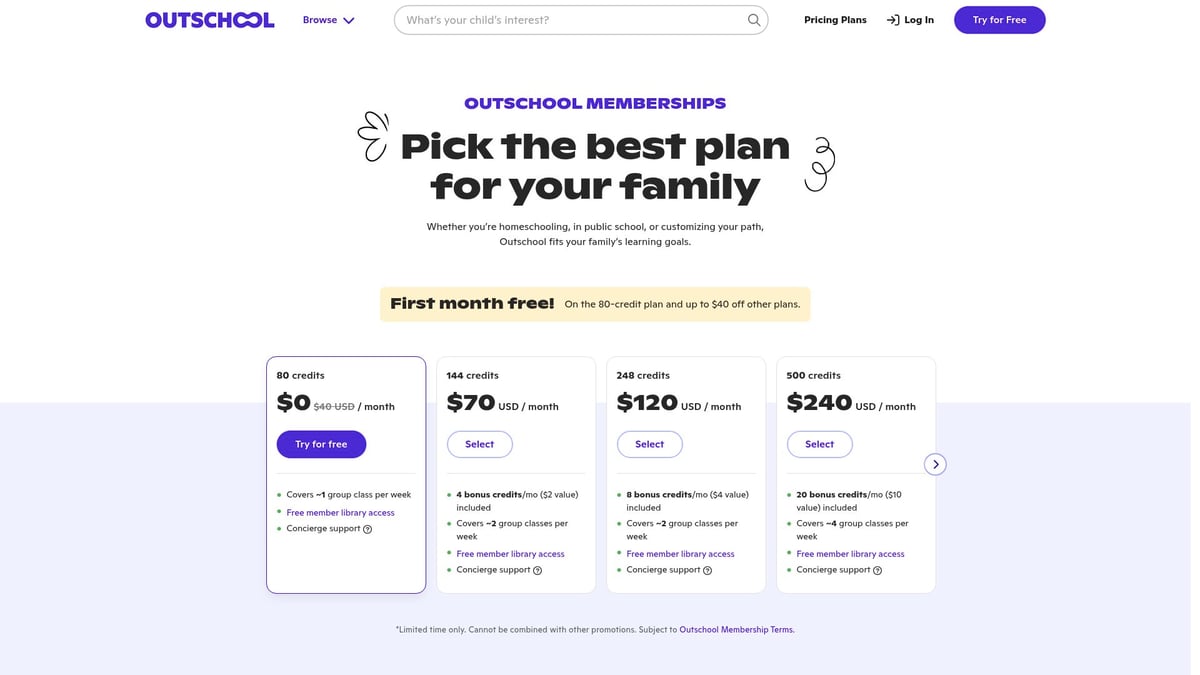
Classes are flexible and span thousands of topics, making it easy to customize your learning plan. Outschool’s community features also allow for social interaction, which is often missed in homeschooling.
- Pricing: Classes from $10–$15 per session, varies by instructor.
- Pros: Wide variety, live interaction, certified teachers.
- Cons: Can get expensive with frequent use, quality varies.
- Unique: Real-time, engaging classes that mimic classroom dynamics.
Outschool meets the demand for the best homeschool apps that deliver both structure and flexibility.
Duolingo
Duolingo is one of the best homeschool apps for language learning, offering over 30 languages through fun, bite-sized lessons. Its game-based approach motivates learners to practice daily, earning streaks and rewards.
The app adapts to the learner’s level, tracking progress and highlighting areas for improvement. While it may not replace immersive conversation, it is a great supplement for homeschoolers wanting to add world languages to their curriculum.
- Pricing: Free with ads; Plus plan from $7/month.
- Pros: Engaging, supports all ages, strong community.
- Cons: Limited speaking practice, some grammar gaps.
- Unique: Gamified, accessible language mastery.
For families looking for the best homeschool apps to expand global skills, Duolingo is a top pick.
Kidos Safe Search
Kidos Safe Search is among the best homeschool apps for safe, independent research. It provides a kid-friendly search engine with strict content filtering, giving learners the freedom to explore the web within safe boundaries.
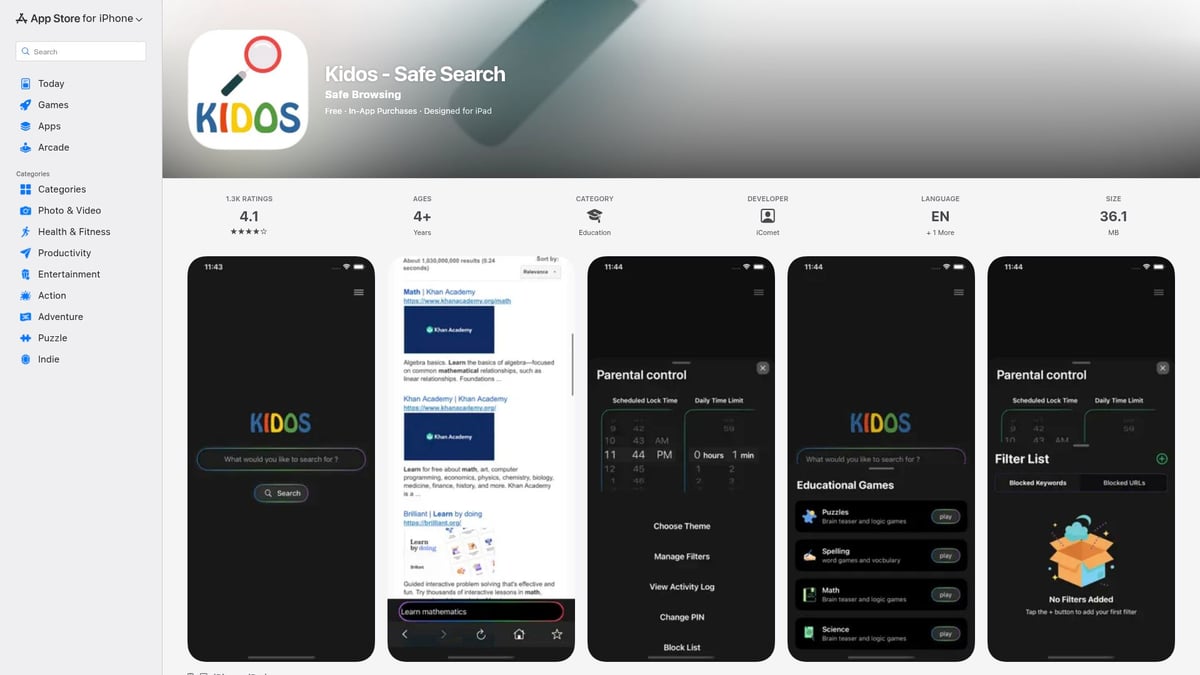
Parents appreciate the peace of mind, while learners enjoy discovering new topics for projects and curiosity-driven learning. The app supports elementary and middle school ages, encouraging responsible digital citizenship.
- Pricing: Free, with optional premium features.
- Pros: Strong content filtering, easy to use, supports curiosity.
- Cons: Less powerful than full browsers, may block some educational resources.
- Unique: Empowers supervised, safe digital exploration.
This app is a smart companion for the best homeschool apps that value safety and independence.
Seterra Geography
Seterra Geography makes learning about the world fun and interactive. As one of the best homeschool apps for map skills, it offers quizzes and games covering countries, capitals, and more.
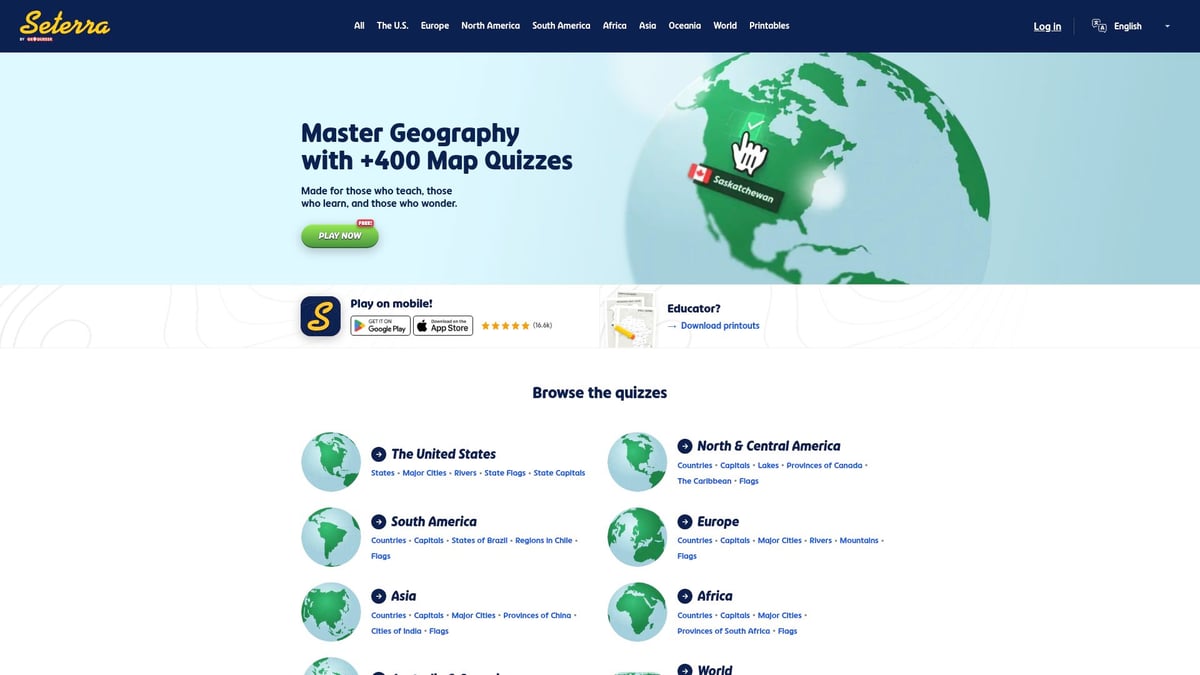
Learners can customize quizzes and track their scores, making it ideal for grades 3–12. The app supports both quick practice and deeper study, helping boost global awareness.
- Pricing: Free basic; premium from $2.99/month.
- Pros: Engaging quizzes, broad coverage, customizable.
- Cons: Dated interface, limited to geography.
- Unique: Fun, effective way to learn world geography.
For homeschoolers who want the best homeschool apps for social studies, Seterra delivers.
Canva for Education
Canva for Education is a creative powerhouse among the best homeschool apps. It offers tools for designing presentations, infographics, videos, and worksheets, all in a user-friendly, collaborative environment.
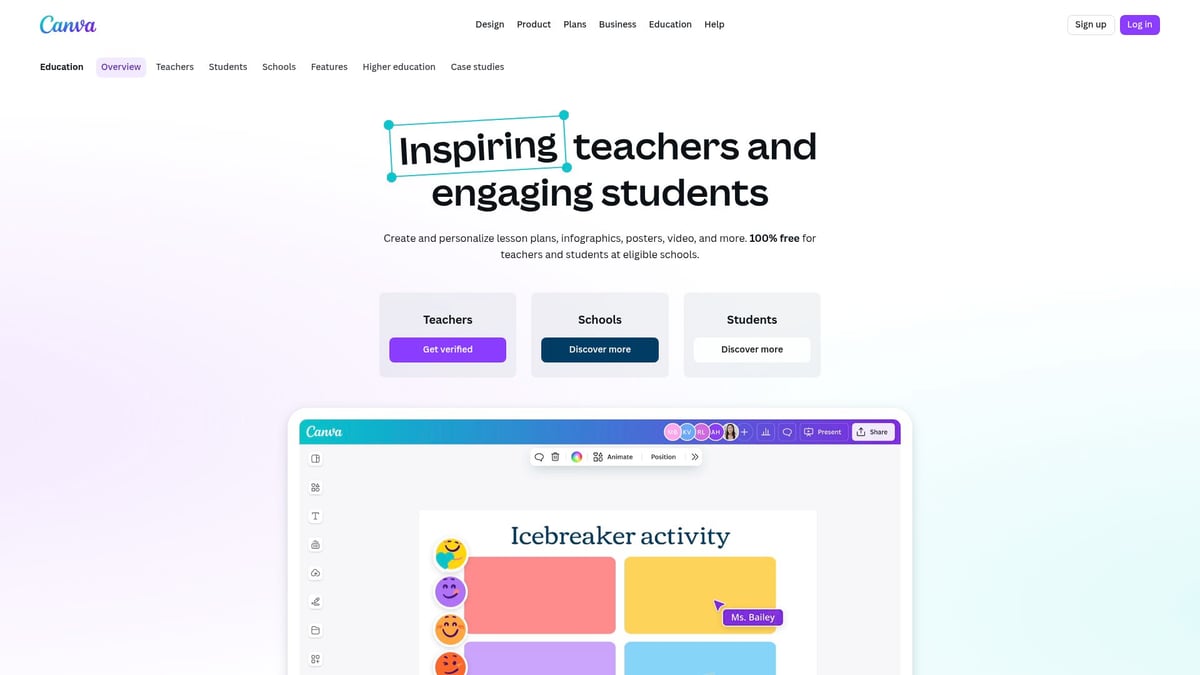
Learners develop digital literacy and visual storytelling skills, while parents and co-ops can organize group projects and share resources easily. The cloud-based platform includes a vast template library.
- Pricing: Free for teachers and learners.
- Pros: Easy to use, fosters creativity, collaborative.
- Cons: Needs internet, may be overwhelming at first.
- Unique: Empowers digital and visual learning.
Add this to your lineup of the best homeschool apps for project-based and creative assignments.
Libby by OverDrive
Libby by OverDrive gives homeschool families free access to thousands of ebooks, audiobooks, and magazines through their local library. As one of the best homeschool apps for reading, it supports all ages and interests.
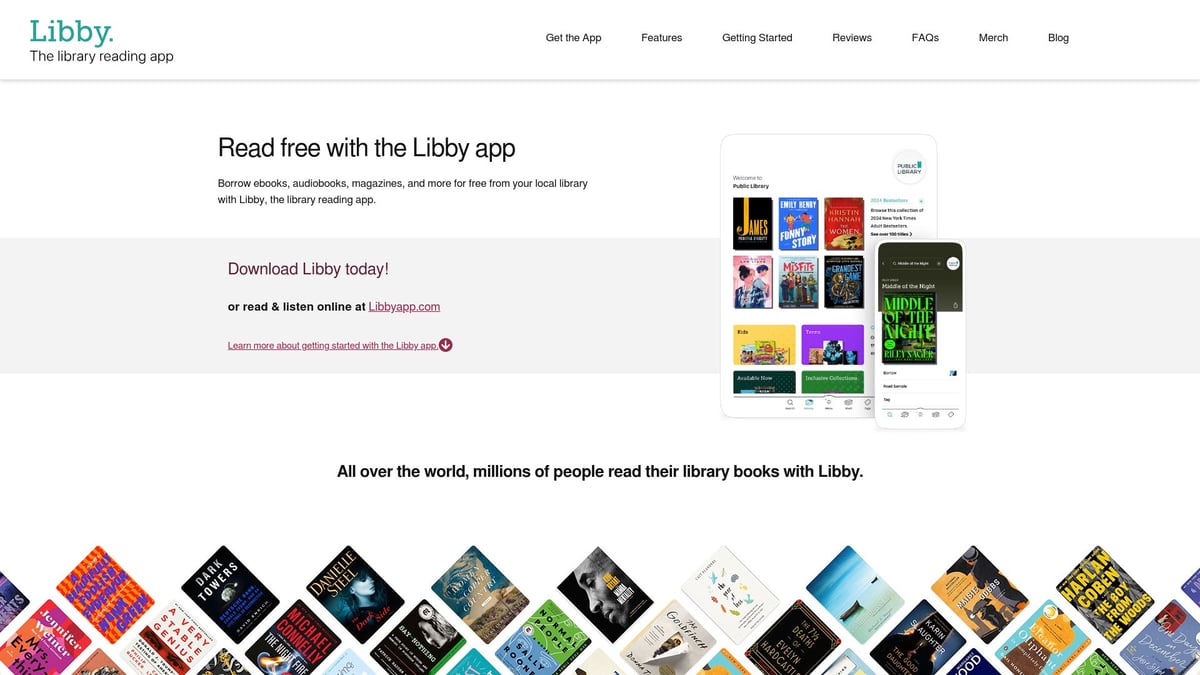
The app’s interface is simple, and books can be downloaded for offline reading. Libby encourages independent reading and supports literature-based learning across subjects.
- Pricing: Free with library card.
- Pros: Huge selection, multiple formats, no cost.
- Cons: Availability tied to library, waitlists for some titles.
- Unique: Seamless access to a world of books.
Libby rounds out the best homeschool apps by making reading accessible and enjoyable for every learner.
How to Integrate Homeschool Apps for Maximum Engagement
Integrating the best homeschool apps into your routine takes thoughtful planning. Balance is key, and small shifts can make a big difference for every learner.
Building a Balanced Digital Learning Routine
A well-rounded learning plan uses both screen time and hands-on activities. Start by picking the best homeschool apps for each subject, mixing digital lessons with paper projects or outdoor work.
Set a daily or weekly schedule that includes breaks and offline time. For example, use Seterra for geography quizzes, then follow up with drawing maps or exploring your neighborhood. Encourage learners to pick some of their own apps to spark curiosity and ownership.
Apps like Life Hub® can be integrated into family routines, especially when working with homeschool co-ops or groups. For more ideas on group integration, see Life Hub® for schools and districts.
Track progress using built-in analytics. Celebrate milestones, no matter how small. Remember, the best homeschool apps should support—not replace—core instruction.
Parental oversight: Tips for monitoring app use and online safety
Parental involvement keeps app use safe and meaningful. Review each app's privacy settings and set up parental controls where available. Use dashboards or reports to monitor learning progress and time spent.
Join homeschool networks for shared tips on app choices and supervision. Stay involved by checking in with your learner about what they enjoy and what feels overwhelming.
Rotate apps to prevent fatigue. Mix in offline activities like crafts, reading, or experiments for a balanced approach. By combining thoughtful oversight and learner choice, the best homeschool apps become powerful tools for growth.
Tips for Evaluating New Homeschool Apps in 2026
Choosing the best homeschool apps can feel overwhelming in 2026. With so many options, a thoughtful approach helps you find tools that truly support your learner.
Here are key criteria to guide your selection:
- Credibility: Look for reviews from other families, educator endorsements, and independent ratings. Researching app backgrounds is easier with resources like Resources and research for education.
- Trial Periods: Test free trials or demos. This lets your learner explore features before you commit.
- Curriculum Fit: Check if the app aligns with your learning goals or required standards. Some apps highlight skill progression clearly.
- Privacy and Security: Prioritize apps with strong privacy policies, no intrusive ads, and clear data protection. For more tips, see How to Choose Safe Educational Apps.
- Accessibility: Seek options that support special needs, different devices, or offline use.
- Cost vs. Value: Compare pricing structures, family plans, and included features to ensure value.
- Up-to-Date Content: Select apps that update often and keep pace with new educational trends.
Regularly revisit these criteria as you explore the best homeschool apps for your family. Staying informed helps you adapt to new technologies and give your learner a safe, effective, and enjoyable homeschool experience.
If you’re curious about how homeschool apps can help learners build real skills—like money management, digital literacy, and career awareness—Life Hub stands out as a practical option. With its learn-to-earn approach, learners try short, hands-on Edu Jobs in everything from core academics to STEM, creative projects, and even personal finance. You can track progress, see growth, and help learners connect effort to real rewards. If you want to see how it fits into your homeschool routine, take a closer look at Explore Life Hub for Homeschool Families.


Related Content
Ready to Chat about Life Hub?
Whether you're parents, or a homeschool family, Life Hub is your partner to help you
raise super strong kids.

.svg)

.svg)


.svg)
.svg)

.svg)